
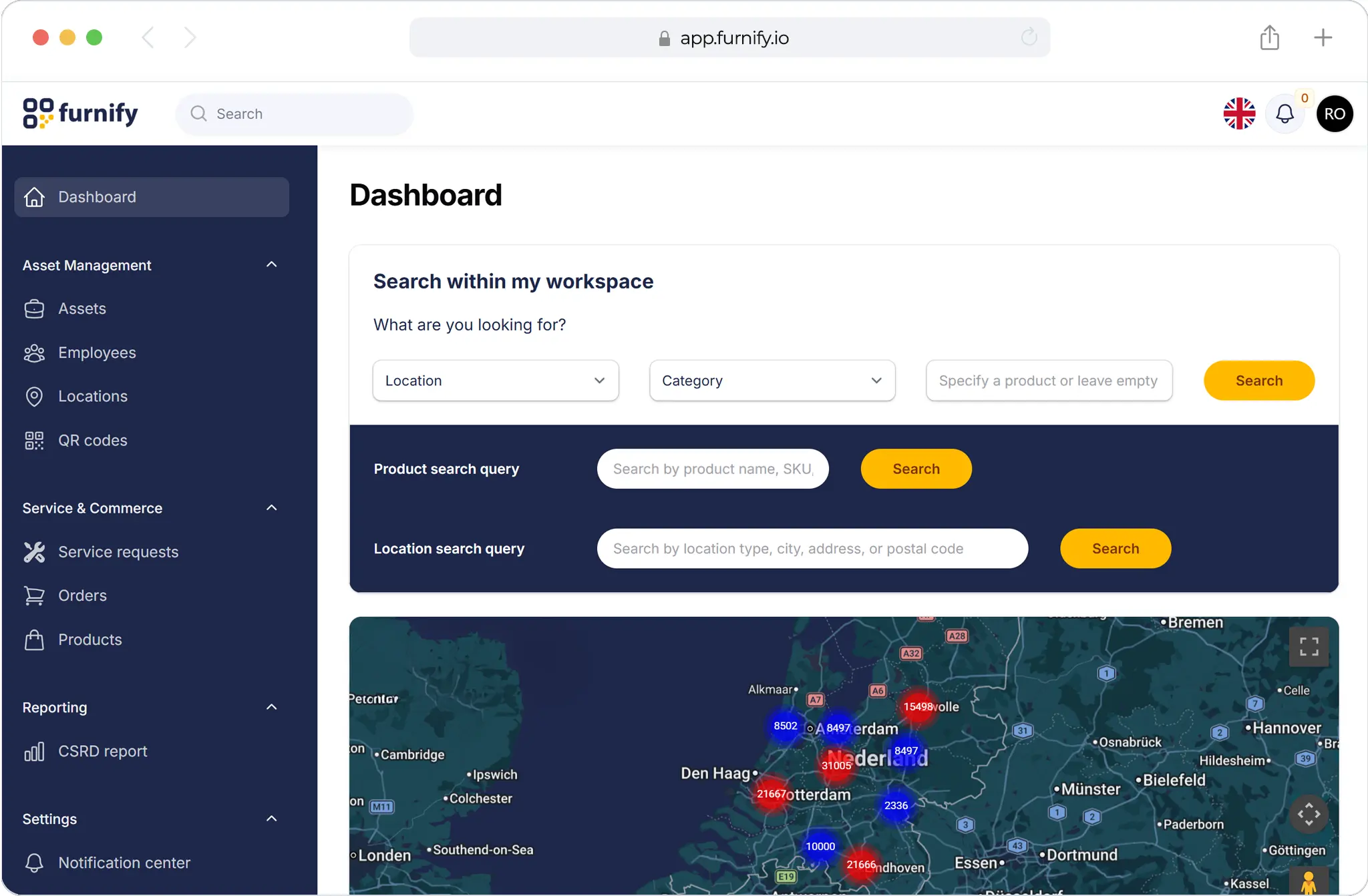
Compare dealer portals with shared drives for project documentation and customer asset access.
For furniture dealers and project furnishers, the right operating model matters. A project may be delivered once, but customer questions, service requests, warranties and lifecycle decisions continue for years. This comparison explains where each approach fits and when a more structured furniture operations platform becomes valuable.
Dealer Portal vs Shared Drive: what is the difference?
Dealer Portal generally provides a more structured way to manage furniture data, workflows and customer visibility. Shared Drive may be useful for simple tasks, but it often becomes difficult to maintain as projects, customers and assets grow.
When Shared Drive works
Shared Drive can be suitable when the number of projects is small, customer expectations are limited and the dealer does not need to provide ongoing visibility after delivery.
- Simple project documentation
- Low asset volume
- Limited post-delivery service
- Internal use only
- Short-term information sharing
Where Shared Drive starts to break down
As customer environments become larger, manual or generic systems often create operational friction. Information becomes hard to find, service requests are disconnected from assets and customer-facing visibility is limited.
- No reliable single source of truth
- Difficult to connect service requests to assets
- Limited visibility for customers
- Poor lifecycle and warranty tracking
- Hard to create repeatable dealer services
Why dealers move toward Dealer Portal
Dealer Portal gives furniture dealers a more scalable foundation for managing customer assets after delivery. It supports structured data, repeatable workflows and better visibility across service, warranty and lifecycle processes.
Comparison table
| Capability | Dealer Portal | Shared Drive |
|---|---|---|
| Asset visibility | Structured and searchable | Often manual or fragmented |
| Customer access | Can support customer portals | Usually limited |
| Service workflows | Connected to asset records | Often handled separately |
| Warranty tracking | Linked to assets and tickets | Usually stored in files or emails |
| Scalability | Designed for repeatable operations | Becomes harder as volume grows |
Which option is better for furniture dealers?
For one-off projects, a lightweight method may be enough. For dealers that want to build long-term customer relationships, manage furniture assets after delivery and offer lifecycle services, a dedicated approach is usually stronger.
How Furnify helps
Furnify helps dealers replace fragmented tools with connected furniture operations. It combines asset data, customer portals, service tickets, warranty information and lifecycle insights in one platform built for dealer-led customer relationships.
Related resources
Ready to see how Furnify works for furniture dealers? Schedule a demo and explore how your team can turn delivered projects into ongoing service, lifecycle value and recurring customer relationships.